
Sales funnel
WhatsApp sales funnel where every card is the conversation
A funnel that lives apart from WhatsApp is out of date by day two. At atendIA, the funnel card is the conversation itself: you drag it to the next stage and open it to reply, without switching screens.
- 7-day free trial
- No credit card
- Cancel anytime
The short answer
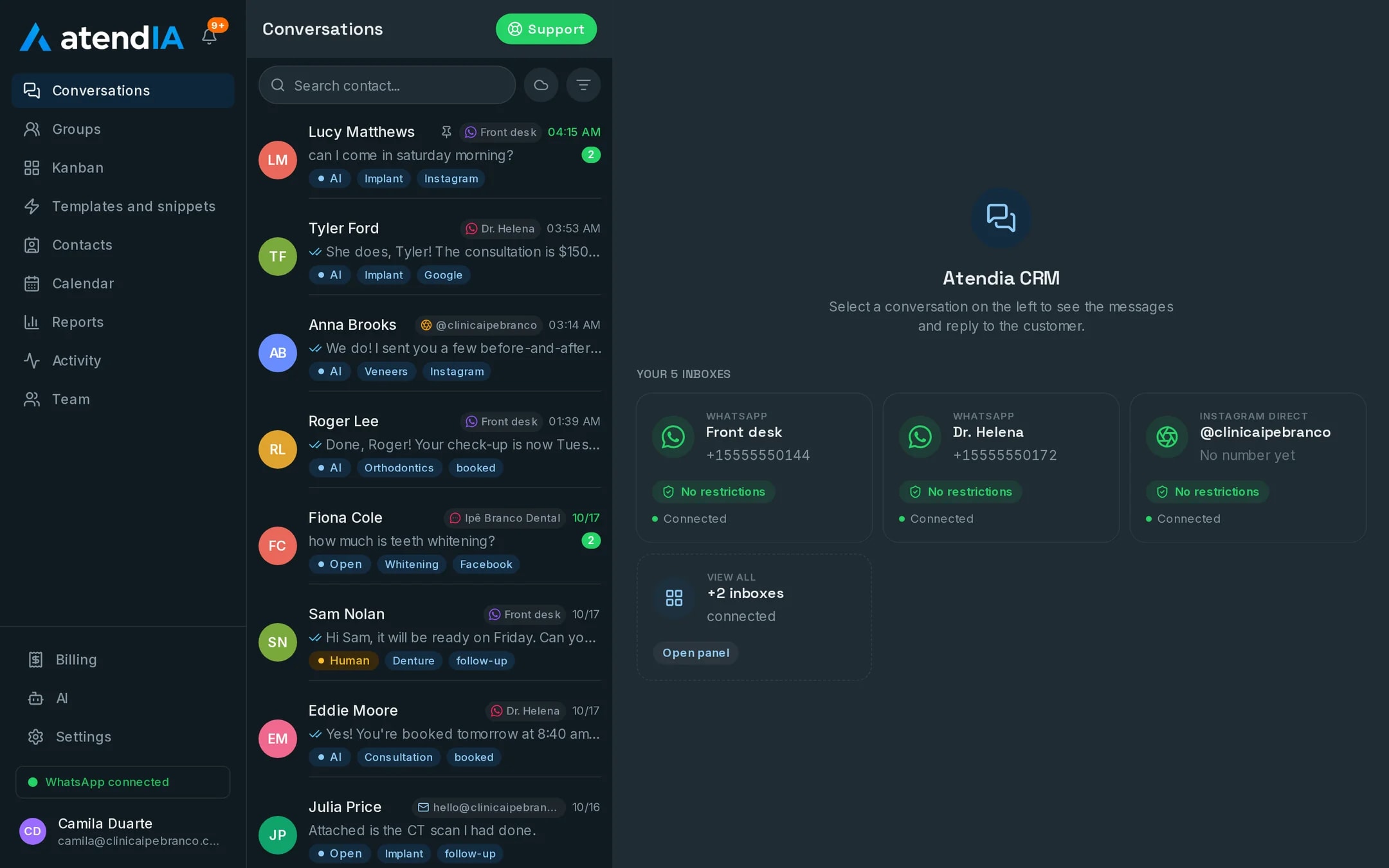
atendIA has a visual, drag and drop sales funnel with the stages your company uses. Each card is the customer conversation on WhatsApp, Instagram or Messenger, with the full history. The report shows incoming, closed and conversion. It is on every plan.
A funnel example, stage by stage
| Stage | What happens | How atendIA helps |
|---|---|---|
| New contact | The chat arrives | Tags which ad it came from |
| Qualification | Understand what the customer wants | The AI asks and answers, on Essential |
| Proposal | Send price and terms | Quick replies and templates |
| Negotiation | Answer questions and close | Full history on the card |
| Closed | Sale done | Goes into the conversion report |
What comes with the funnel
- Stages named the way your company names them
- A drag and drop card, and the card opens the conversation
- Tags, filters and history search
- An owner on every conversation
- The source of the Facebook or Instagram ad that brought the customer
- A report of incoming, closed and conversion
Knowing where each sale came from
When a customer arrives through a Facebook or Instagram click to WhatsApp ad, the conversation comes in tagged with the ad that brought it. That source follows the card through the funnel. At the end of the month, you look at closed sales and know which ones came from ads, without asking the customer where they saw the company.
A funnel in the CRM or in a spreadsheet
In a spreadsheet, someone has to copy what happened on WhatsApp into the right row, and that stops happening in the first busy week. At atendIA, the conversation and the card are the same thing. The salesperson answers and moves the card in the same place, and the manager sees the real funnel without asking anyone for an update.
How to get started
- 1Create your accountSign up with your company details. 7 days free, no credit card.
- 2Connect WhatsAppScan the QR code, just like WhatsApp Web. Your number and conversations stay the same.
- 3Create your funnel stagesUse the names your team already uses and start dragging conversations.
Plans and pricing
The sales funnel is on every plan, starting at Basic, $49 a month. For the AI to qualify before the salesperson, choose Essential, $99. For it to also quote prices and book appointments, Professional, $199.
See all plansFrequently asked questions
Can I use the stages I use today?
Yes. The funnel stages are created with your company names, and each conversation becomes a card you drag between them.
Which channels can I connect?
You connect WhatsApp yourself by scanning a QR code, with up to 10 numbers. Instagram, Messenger, Gmail and WhatsApp through the official Meta API are connected by our team, together with you. Everything lands in the same inbox.
Will my team be able to use it?
Yes. The dashboard works like WhatsApp with more features: conversations on the left, the open conversation next to them and the pipeline as a drag and drop board. Your team starts answering the same day, with no formal training.
Can I change plans later?
At any time, from the dashboard. Moving to a bigger plan takes effect right away; to a smaller one, on the next billing cycle.
Updated on
Start serving customers better today
Try atendIA for 7 days with your team and your customers. No credit card, no long-term contract.