
Real estate
Real estate CRM, from the listing ad to a booked showing
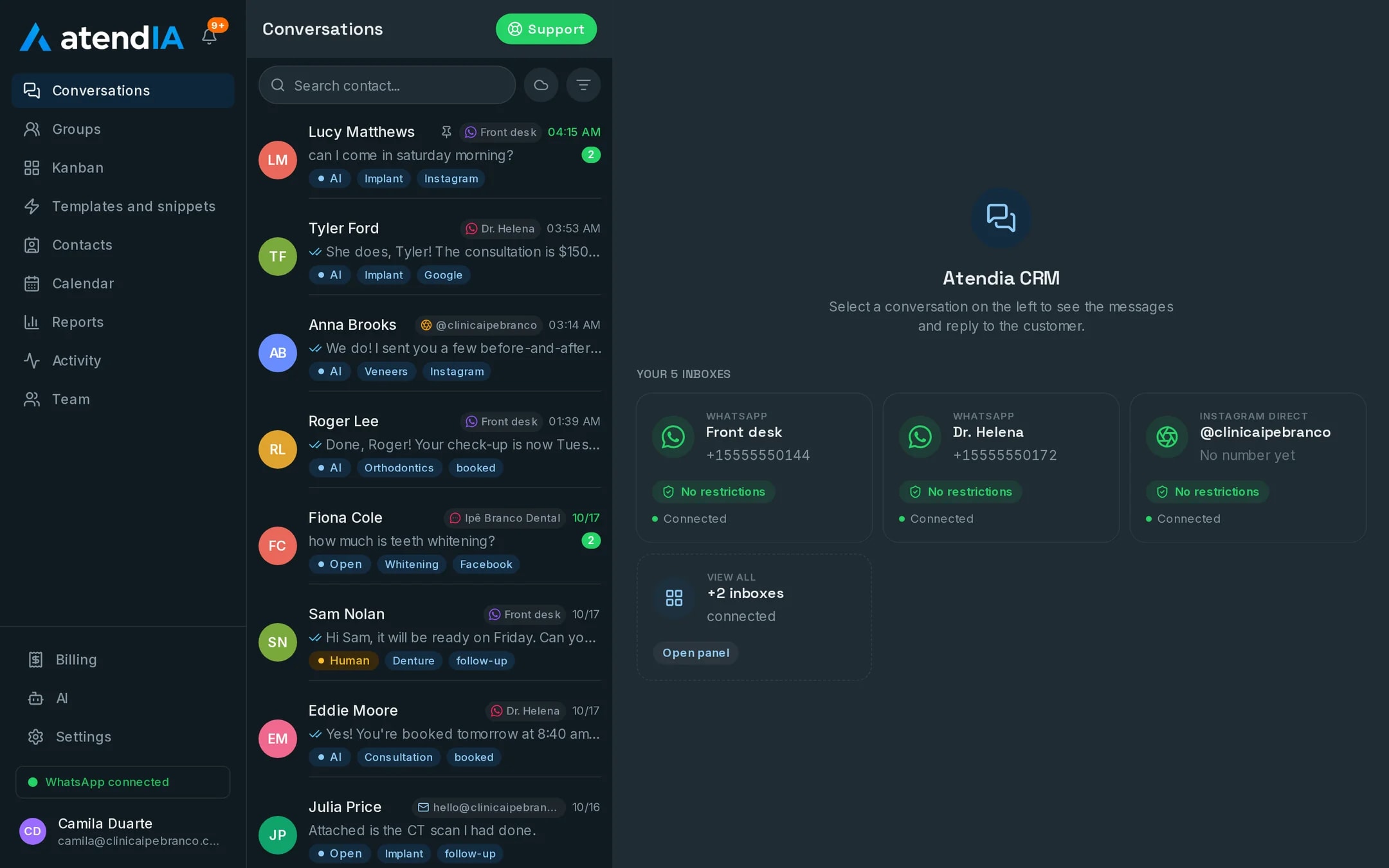
At a real estate agency, leads arrive from many ads at once and go cold in minutes. atendIA assigns each chat to an agent, the AI asks what the person is looking for and the showing goes on the calendar of whoever will show the property.
- 7-day free trial
- No credit card
- Cancel anytime
The short answer
A real estate CRM receives the WhatsApp leads, splits them fairly between agents, tags which ad each one came from and follows the deal in a pipeline until the contract. With AI, it also replies to and qualifies the prospect at any hour. atendIA does all of that with your agency's current number and no per-agent charge.
Lead distribution without fights between agents
- Round robin: each new lead goes to the next agent in line
- Or to the least busy agent at that moment
- A lead nobody answered goes back to the queue and to another agent
- Each conversation has an owner, and the log shows who answered first
- Sales and Rentals as departments, each with its own agents
- Unlimited team: an associate agent joins at no extra cost
With AI, the 11 pm lead does not go cold
Someone sees a listing at night and writes in. The AI replies right away, in your agency's tone, and asks what an agent would ask: buy or rent, neighborhood, number of bedrooms, price range and how they plan to pay. In the morning the agent opens the chat with everything answered. In the rules you define what it never promises, such as a discount or tenant approval, and when it hands over to an agent. It also understands the voice notes customers send.
Each step until the contract
| Step | How atendIA does it | Starting at |
|---|---|---|
| Lead arrives from the ad | The chat comes tagged with the source ad | Basic |
| Qualify the interest | The AI asks what the agent needs to know | Essential |
| Hand over to the agent | Round robin or least busy, with the history attached | Basic |
| Property showing | On the agent's calendar, with a length and no double booking | Basic |
| Showing booked by the AI | It sees the agent's open slot and books it | Professional |
| Offer and contract | Pipeline with your agency's stages | Basic |
The agent's calendar on their phone
Each agent subscribes to their own calendar in Google Calendar, Apple or Outlook through a private link that updates on its own. A showing the assistant or the AI booked shows up on their phone right away, and the system does not let you book two showings at the same time for the same person.
How to get started
- 1Create your accountSign up with your company details. 7 days free, no credit card.
- 2Connect WhatsAppScan the QR code, just like WhatsApp Web. Your number and conversations stay the same.
- 3Add your agentsEach with their own login, in the Sales queue, the Rentals queue or both.
- 4Choose the distributionRound robin or least busy. You can switch later without touching the conversations.
Plans and pricing
Lead distribution, the pipeline and the showing calendar are included from the Basic plan, at $49 a month. An agency with AI qualifying 24 hours a day is the Essential plan, at $99, and with the AI booking the showing it is the Professional plan, at $199.
See all plansFrequently asked questions
Do agents keep using their own WhatsApp?
Everyone answers the agency number from the browser, each with their own login. The lead and the history stay with the agency, and the agent sees their own showing calendar on their phone.
How is the AI set up?
You fill in a form about your business: what you sell, prices, opening hours and what it must never promise. The AI starts answering from that, and its instructions stay editable in the dashboard.
Does the calendar work with Google Calendar?
The calendar lives in atendIA, with the professional, room and duration of each service. In Google Calendar, Apple or Outlook you subscribe to it through a private link, and the slots show up next to your own events.
Do I need a credit card to try it?
No. Signing up only asks for your company details, phone, email and password. The 7 days are free, and billing only starts if you decide to continue. You cancel from the dashboard itself.
Updated on
Start serving customers better today
Try atendIA for 7 days with your team and your customers. No credit card, no long-term contract.